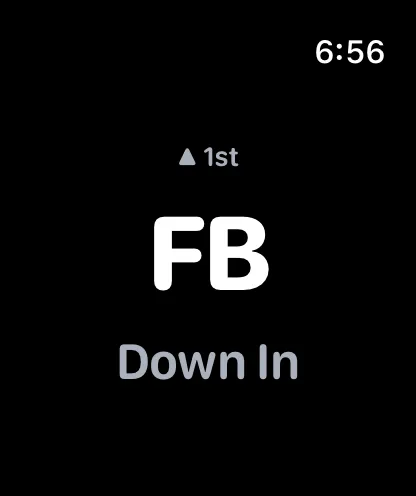
Watch not receiving signals
Verify the watch shows "connected" status on the player in-game screen. Check that the PitchTAC watch app is installed and running.
- 1
Confirm connection state in the app
Verify the watch shows "connected" status on the player in-game screen. Check that the PitchTAC watch app is installed and running.
- 2
Check that the watch app is installed and running
Verify the watch shows "connected" status on the player in-game screen. Check that the PitchTAC watch app is installed and running. Restart both the iPhone app and the watch app. For persistent issues, delete and reinstall the watch app.
- 3
Restart and re-invite if needed
Verify the watch shows "connected" status on the player in-game screen. Check that the PitchTAC watch app is installed and running. Restart both the iPhone app and the watch app. For persistent issues, delete and reinstall the watch app.
Before You Move On
- Bluetooth and local connectivity are still enabled
- Coach sees the device in the connected list
- A fresh test signal was attempted before re-invite
Reference
Product screenshot.